Access Control Credentials Dallas: Mobile, Fob, or Card — Which Is Right for Your DFW Business?
Access control credentials Dallas businesses choose are more than a technical detail. Specifically, they shape day-to-day security operations and long-term management costs. The credential type you deploy determines how employees enter the building every day and how much it costs to manage the system. It also determines how quickly you can respond to a lost credential and how secure your system actually is. Choosing the wrong credential type for your environment adds friction, increases management costs, and may leave security gaps that a better choice would close.
This guide explains the main credential types available for DFW commercial access control systems in 2026. Specifically, it covers what each one is best suited for and how Brivo and Avigilon Alta approach credentials differently.
The Main Credential Types for Commercial Access Control
Physical Key Cards
The most common credential type in DFW commercial buildings for decades. An RFID-chipped plastic card presented to a reader grants or denies access based on the system’s permissions. These chips use either 125 kHz proximity or 13.56 MHz smart card technology.
Key cards are familiar, inexpensive per unit, and work with a wide range of existing readers. However, they have significant operational disadvantages. However, they have significant operational disadvantages. Cards get lost, forgotten at home, loaned to colleagues, or copied. When a card is lost, the security administrator issues a new one. If they don’t deactivate the lost card immediately, it remains a valid credential. Furthermore, physical cards require a procurement and distribution process every time a new employee joins.
Key Fobs
Essentially the same technology as key cards in a smaller form factor. Fobs attach to keychains, making them slightly less likely to be forgotten. However, they’re equally susceptible to loss, sharing, and copying. For DFW commercial offices, fobs offer no meaningful security advantage over cards — they’re simply a form factor preference.
Mobile Credentials
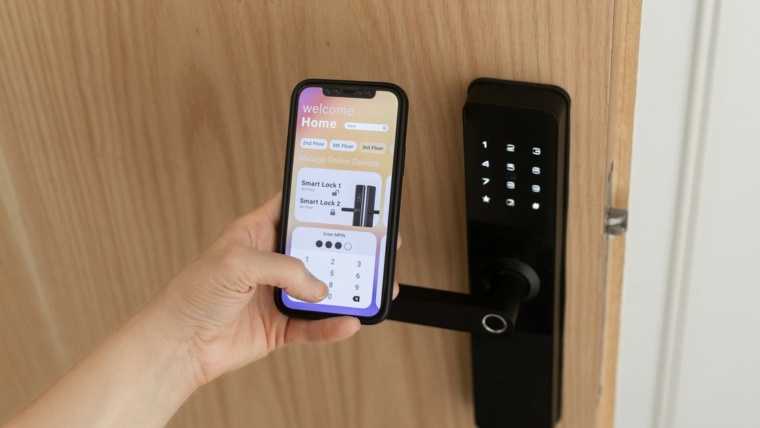
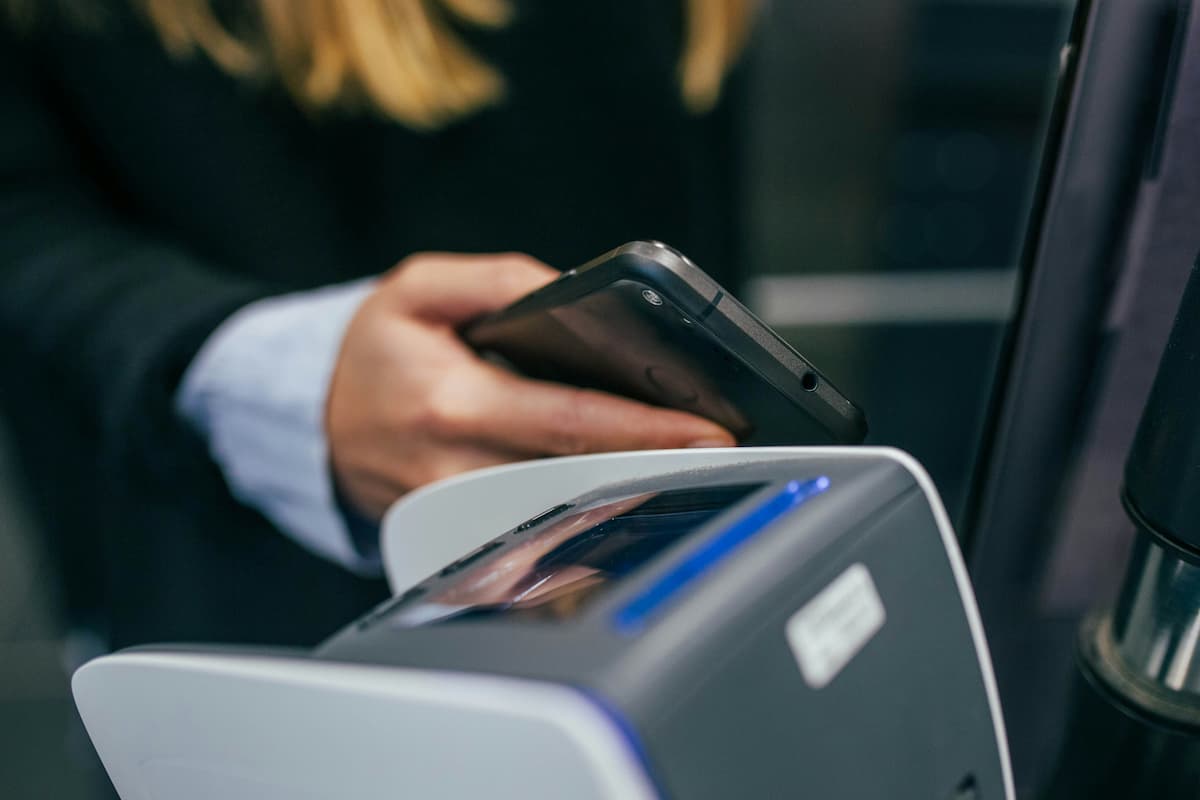
Mobile credentials use a smartphone as the access control credential. The phone communicates with the reader via Bluetooth or NFC, and the cloud validates the credential. As a result, the reader needs no separate hardware.
Both Brivo and Avigilon Alta support mobile credentials, and both platforms allow mobile credentials to live in Apple Wallet or Google Wallet — the same interface employees use for payment cards and boarding passes. This matters because employees already have their phones with them. In other words, they’re carrying their access credential whether or not they think about it. Consequently, they don’t need to carry a separate card.
Mobile credentials have major operational advantages over physical cards. First, an administrator issues them instantly — an employee can receive a mobile credential before their first day without anyone mailing a card or scheduling a badge pickup. Second, an administrator revokes them instantly from any browser or mobile app. When an employee leaves, their building access disappears the moment the administrator acts. Third, mobile credentials are not easily transferable — an employee can’t hand their credential to a colleague the way they can hand over a key card.
The one limitation of mobile credentials, however, is battery dependency. A dead phone can’t present a credential. Most modern cloud platforms address this through fallback options — a PIN pad or a secondary reader that accepts a code.
PIN Codes
PIN-based access is typically used as a secondary factor or fallback option — not a primary credential. A PIN alone provides lower security than a card or mobile credential, because PINs can be shared or observed. However, a PIN combined with a card or mobile credential creates a two-factor authentication requirement that is appropriate for high-security areas in DFW commercial offices.
Biometric Credentials
Fingerprint readers, iris scanners, and facial recognition systems are increasingly available for commercial access control in DFW. Avigilon Alta supports integration with biometric readers for DFW facilities requiring the highest security. Specifically, this includes server rooms, pharmaceutical storage, and executive offices.
Biometric credentials eliminate the lost credential problem entirely — employees can’t forget their fingerprint. However, they introduce privacy considerations and higher hardware costs. For most DFW commercial offices, biometrics are appropriate for two or three high-security doors rather than building-wide deployment.
License Plate Recognition
Both Brivo and Avigilon Alta support license plate recognition as a vehicle access credential for DFW facilities with parking structures or gated lots. Specifically, Avigilon Alta’s LPR capability is a core platform feature. Vehicles are enrolled by plate number and the system grants access automatically at parking entry points — no separate credential required.
How Brivo Handles Credentials for DFW Businesses
Brivo’s credential architecture is designed for flexibility. The platform supports physical cards, fobs, mobile credentials in Apple Wallet and Google Wallet, PIN codes, and a digital Guest Pass for visitors. A DFW business can run multiple credential types simultaneously. For example, mobile credentials for employees and physical cards as backups for staff who prefer not to use a smartphone.
Brivo’s mobile credential delivery is instant. An administrator issues a mobile credential through the Brivo web portal, and the employee receives it immediately on their device. There is no card ordering process, no delivery wait, and no badge pickup appointment. For DFW businesses with frequent new hires or remote employees, this changes the onboarding experience significantly.
Brivo also supports multi-factor authentication at high-security doors. Specifically, it can require both a mobile credential and a PIN for server room or pharmaceutical storage access. This is configurable per door, so NTi applies it selectively without enforcing two-factor authentication building-wide.
How Avigilon Alta Handles Credentials for DFW Businesses
Avigilon Alta’s credential architecture is built around its patented Triple Unlock technology, which uses three signals — Bluetooth, accelerometer, and NFC — to unlock doors with 99.9% reliability. This multi-signal approach addresses the common complaint about Bluetooth-only mobile credentials, which can sometimes trigger slow or missed reads.
Alta supports mobile credentials through the Alta Open app for iOS and Android, plus physical RFID cards and fobs, PIN codes, and license plate recognition. Additionally, Alta’s digital Guest Pass sends visitors a time-limited credential via text or email. They gain building access from their smartphone — no app download required.
For DFW businesses that require the highest door unlock reliability, Alta’s Triple Unlock technology is a specific differentiator. This is particularly relevant for high-traffic entrances and medical facility doors.
Choosing the Right Credential Type for Your DFW Business
The right credential choice depends on your business type, your users, and your security requirements.
Mobile credentials are the right choice for most new DFW commercial deployments in 2026. The operational advantages outweigh the battery dependency limitation. Specifically, instant issuance and instant revocation eliminate the card management overhead. Specifically, the rare dead-phone scenario is easily handled with PIN fallback. If you’re deploying a new system, start with mobile credentials and add physical card fallback for specific users who need it.
Physical cards remain appropriate for specific situations. High-turnover environments, industrial settings where phones are impractical, and businesses with large contractor workforces may find physical cards operationally simpler. Specifically, these environments benefit from physical card fallback.
Add two-factor authentication for high-security areas. Server rooms, pharmaceutical storage, and financial records offices benefit from requiring both a mobile credential or card and a PIN. Both Brivo and Avigilon Alta support this configuration per door.
Consider LPR for parking. For DFW offices with parking structures or gated lots, license plate recognition provides a frictionless entry experience. It also eliminates the need for a separate parking access credential.
The Bottom Line
Access control credentials Dallas businesses deploy should match their operational reality — not default to whatever the previous system used. Mobile credentials are now the modern standard, and both Brivo and Avigilon Alta deliver them with the reliability, security, and management convenience that DFW commercial businesses need.
Our team at NTi Technologies helps DFW businesses choose the right access control credentials Dallas commercial environments require. We install the right readers and controllers and configure the right credential policy from day one. As certified installers for both Brivo and Avigilon Alta, we deploy the platform that fits your building. Visit our access control installation page or contact us to schedule a free assessment.
NTI Technologies is a Dallas-based business technology company serving businesses across the DFW metroplex, including Plano, Frisco, McKinney, Allen, Las Colinas, and beyond. We specialize in commercial access control, security camera systems, structured cabling, business phone systems, and audio-visual conferencing for offices, medical facilities, and corporate campuses.